Choose the stages and format
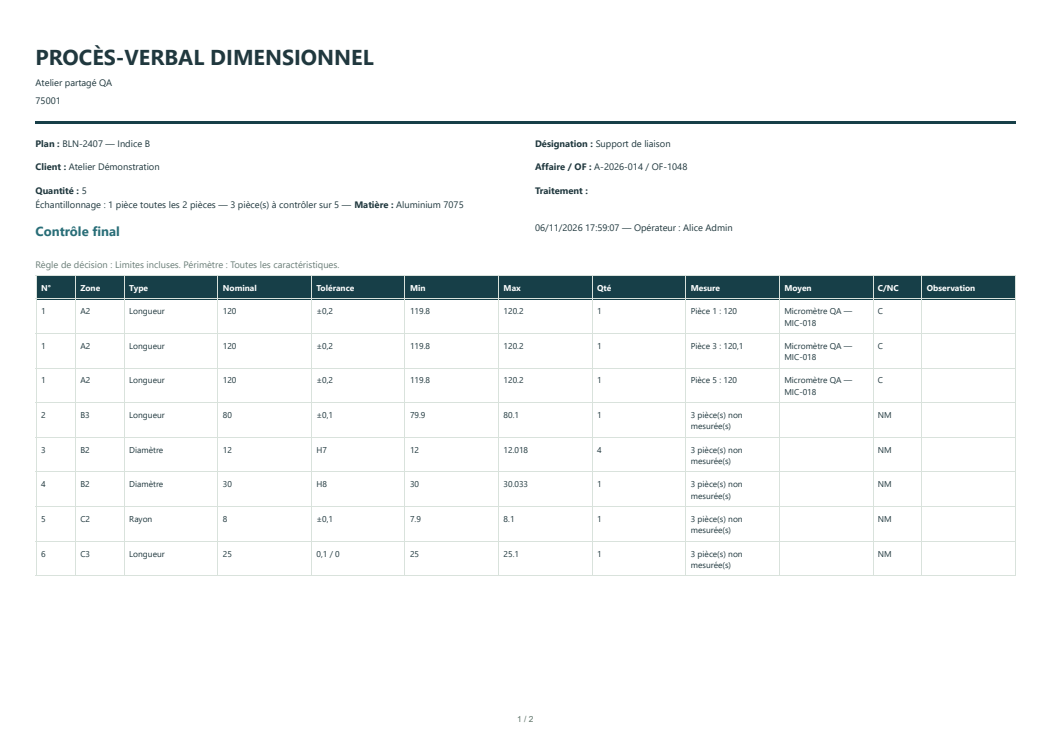
Export the active stage or all stages. PDF separates stages by page and Excel by worksheet. When available in the configuration, CSV specifies the stage on each row in a multi-stage export.
Include photos in the PDF inspection report
Open Photos in the relevant stage and choose the images. Photos attached to the exported stages accompany the measurements and comments in the PDF.
Attach or export the ballooned drawing
Select the appendix option to include the active stage’s drawing in the PDF in A4 or A3. The ballooned drawing button also exports the drawing and its annotations as a separate PDF.