Check completeness
Check the revision, parts and stages. Review values and identify characteristics without measurements before exporting.
Attach supporting evidence
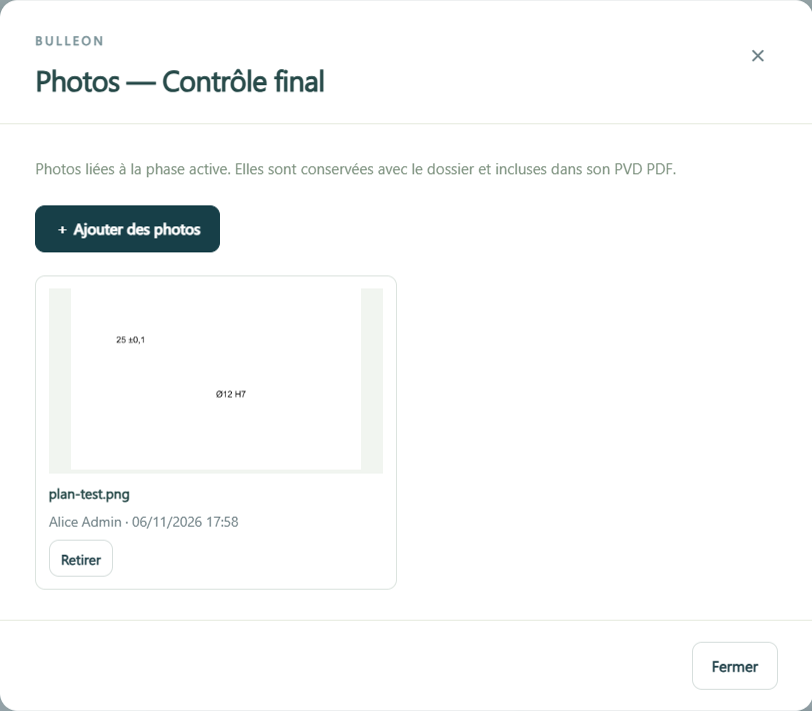
Add photos to the stage in which they were taken and explain the context in the stage comment. The PDF combines these items with the measurements.
Choose the document to share
Choose the active stage or all stages. In PDF, attach the ballooned drawing in A4 or A3 so the recipient can locate each reference. Excel makes it easier to reuse data by stage.